Selective Blurring
Cut video-call bandwidth by 42.4% without hurting perceived quality.
- Problem
- I couldn't video-call my mom in India: her 1 Mbps connection froze every call.
- Impact
- Cut bandwidth 42.4% and published it openly. Keeping the person sharp and blurring the rest is now standard in Zoom and Google Meet.
“Only some parts of a video frame are actually important to convey the activity being performed… our techniques can reduce the bandwidth utilization by 42.4%.”
- Selective Blurring - Video conferencing on less bandwidth
(2012 - 2013, UIUC)
Keep the regions of interest sharp, blur everything else, and cut the bandwidth a video call needs.
My master's thesis, advised by Prof. Klara Nahrstedt. On a weak connection, video calls freeze, pixelate and drift out of sync. But only some parts of each frame carry the activity; the rest is background. We found those regions of interest automatically and blurred every other pixel, so each frame compresses far smaller.
- Five ways to find the region of interest: manual selection, OpenCV object detection, Kinect depth, GPU edge detection, and DBSCAN clustering of motion
- Parallelized on NVIDIA GPUs with CUDA so it runs in real time, frame by frame
- Cut bandwidth use by 42.4%; user studies found the blurring did not hurt perceived quality or understanding
- Presented to leaders from NVIDIA, Cisco and other companies
- Why: I couldn't video-call my mom in India, whose 1 Mbps connection froze every call
- Keeping the person sharp and blurring the background is now standard in Zoom, Google Meet and other video apps
- Thesis: Finding regions of interest while video conferencing in bandwidth constrained environment (M.S. Computer Science, UIUC, December 2013; PDF)

Manual region of interest (Fig. 4) 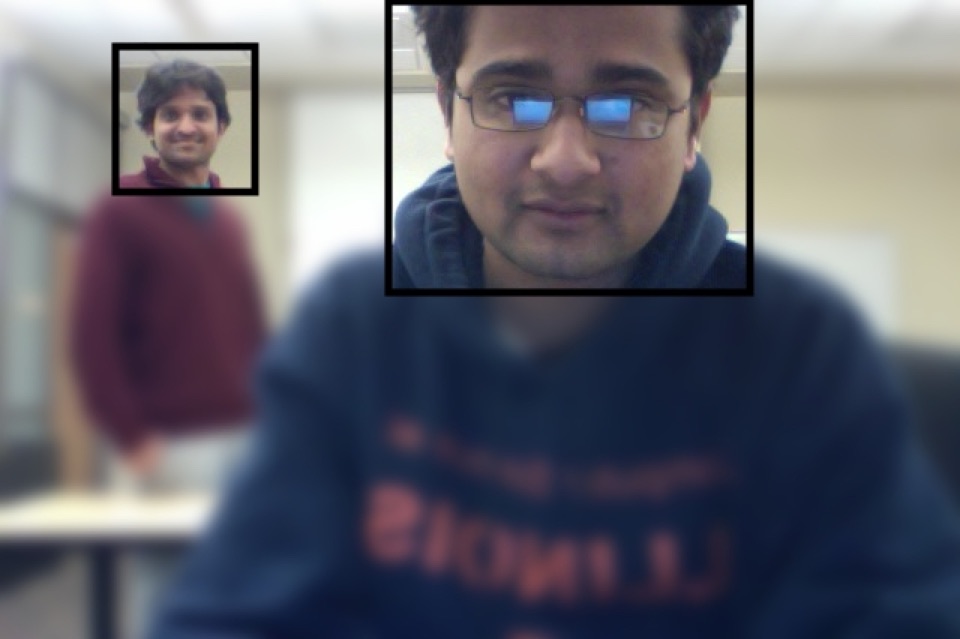
OpenCV object detection (Fig. 5) 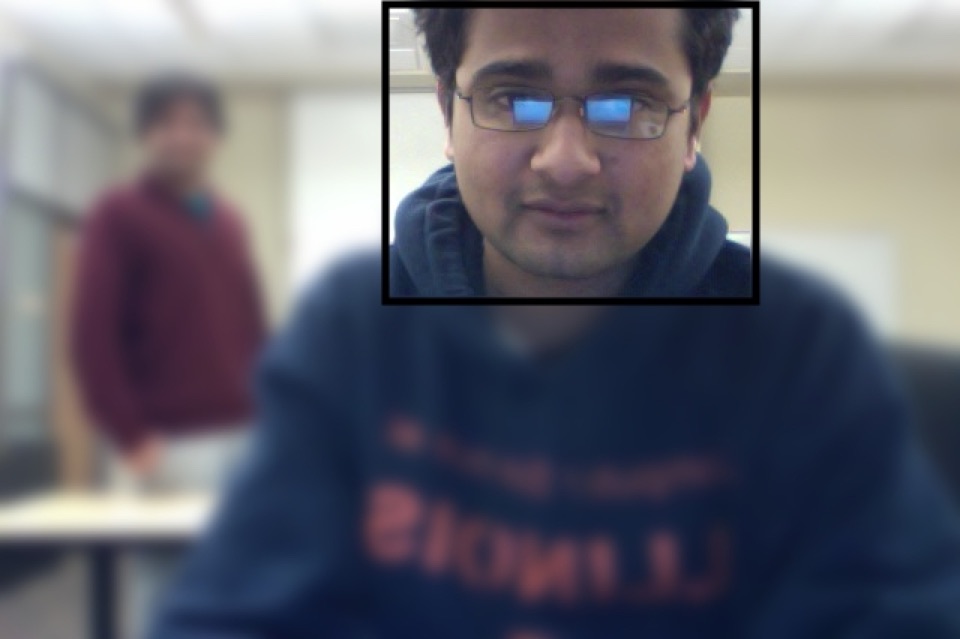
Kinect depth (Fig. 6) 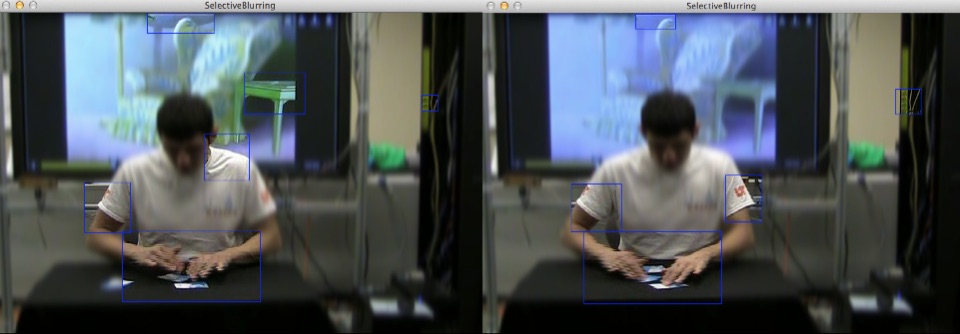
DBSCAN on motion (Fig. 8)